Settings
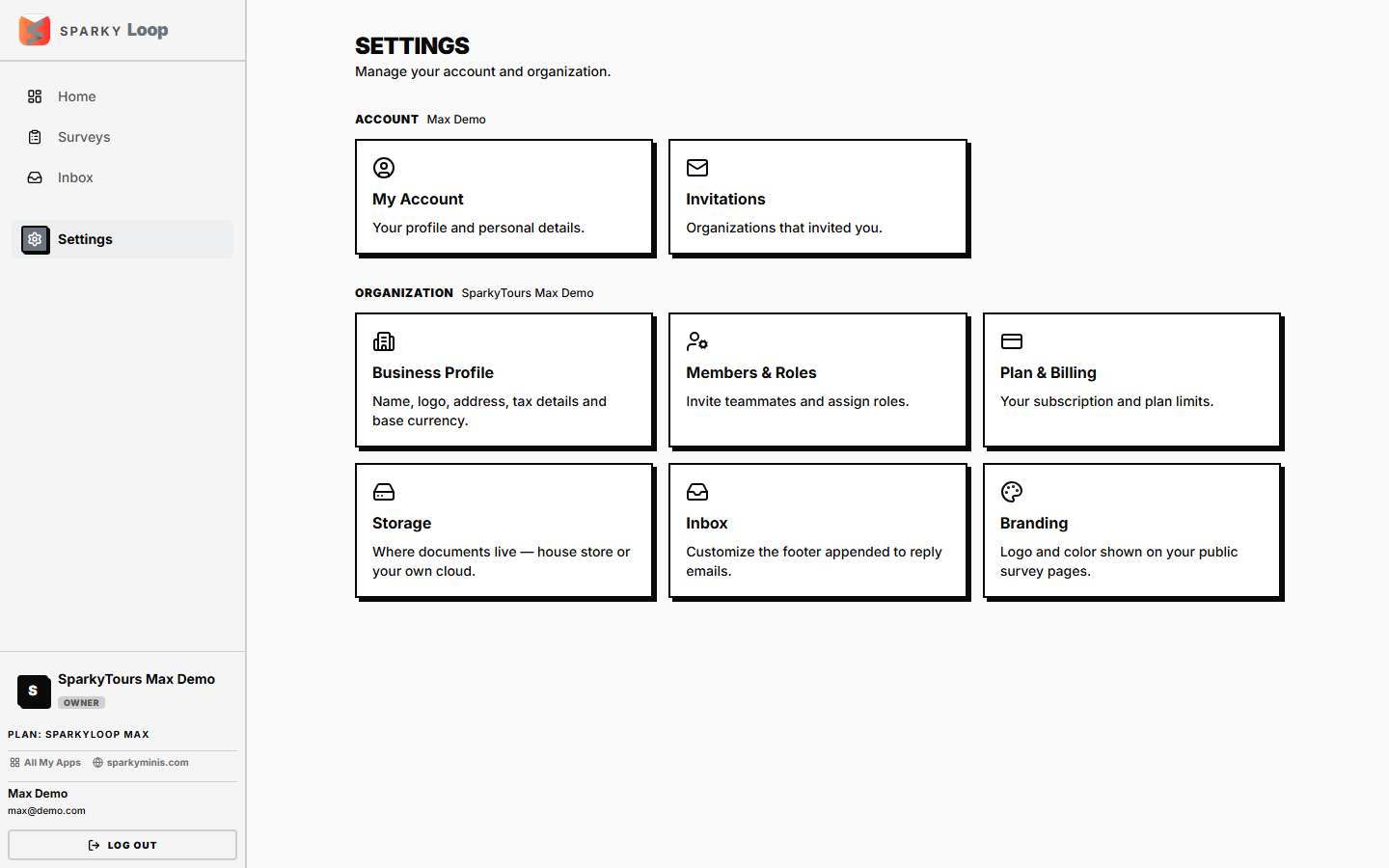
Organization-wide configuration: your business profile, team, plan, storage connection, support inbox setup, and survey branding. Each row on the Settings menu only appears if you have permission to use it.
How to update your personal account name
Open Settings → Account. This also lists every organization you belong to and which one is currently active.
How to update your organization's business profile
Open Settings → Business. Fields: organization name (required), legal name, contact email/phone, address, and registration number.
How to change your organization's currency
Same Business settings page — pick from the list of supported currencies.
How to customize survey branding
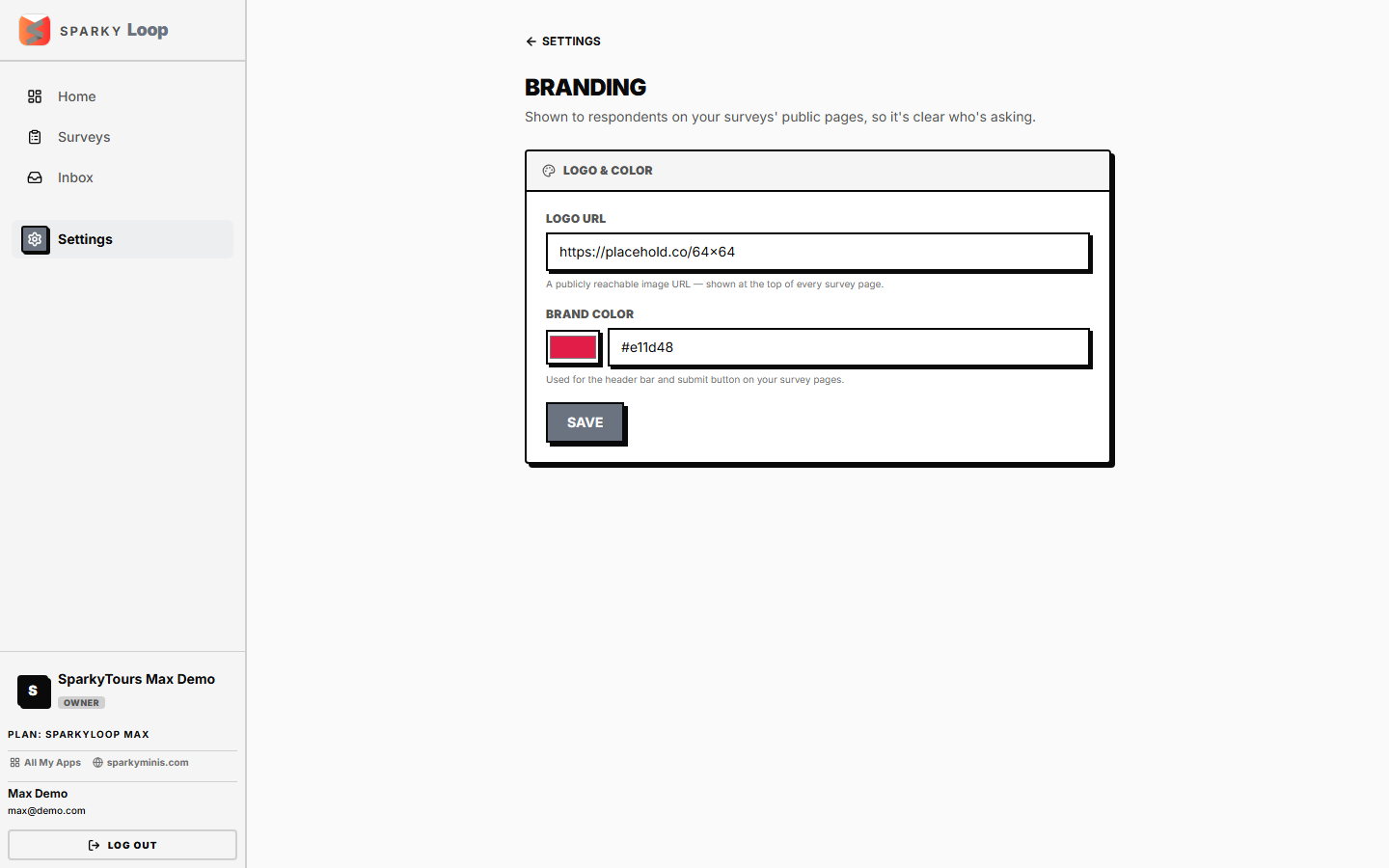
Open Settings → Branding. Set a logo URL and a brand color (as a hex code) — these appear on the public-facing survey response page your recipients see.
How to view or change your plan
Open Settings → Billing.
How to connect document storage
Open Settings → Storage.
How to manage inbox (support) settings
Open Settings → Inbox.
How to manage team members
Open Settings → Members — invite, revoke an invite, change a role, or remove a member.
How to accept or decline an organization invitation
Open Settings → Invitations — invites sent to your email address across any organization.